
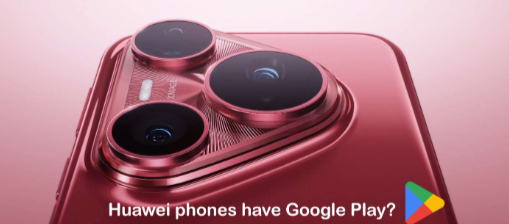
The huawei google issue has been one of the most searched questions around Huawei phones since 2019. At first, losing Google Play, Gmail, Maps, and YouTube sounds like a major trade-off.
In reality, the story is more practical than dramatic: Huawei rebuilt the software experience around its own ecosystem, and most users can still handle daily tasks with only a few adjustments.
For a broader community view, see the huawei google issue discussed by Huawei users.
Why the huawei google issue happened
In 2019, U.S. restrictions blocked Huawei from using Google Mobile Services on new devices.
That changed the default setup for phones released after that point.
Instead of coming with Google apps preinstalled, Huawei phones now rely on Huawei Mobile Services, or HMS.
That shift matters because HMS replaces the background tools many Android apps depend on.
It affects app installs, notifications, location features, cloud sync, and sign-in behavior.
So the huawei google issue is not just about missing icons on the home screen;
it is about how the phone connects to everyday services behind the scenes.
What Huawei uses instead of Google services
Huawei did not leave users without options.
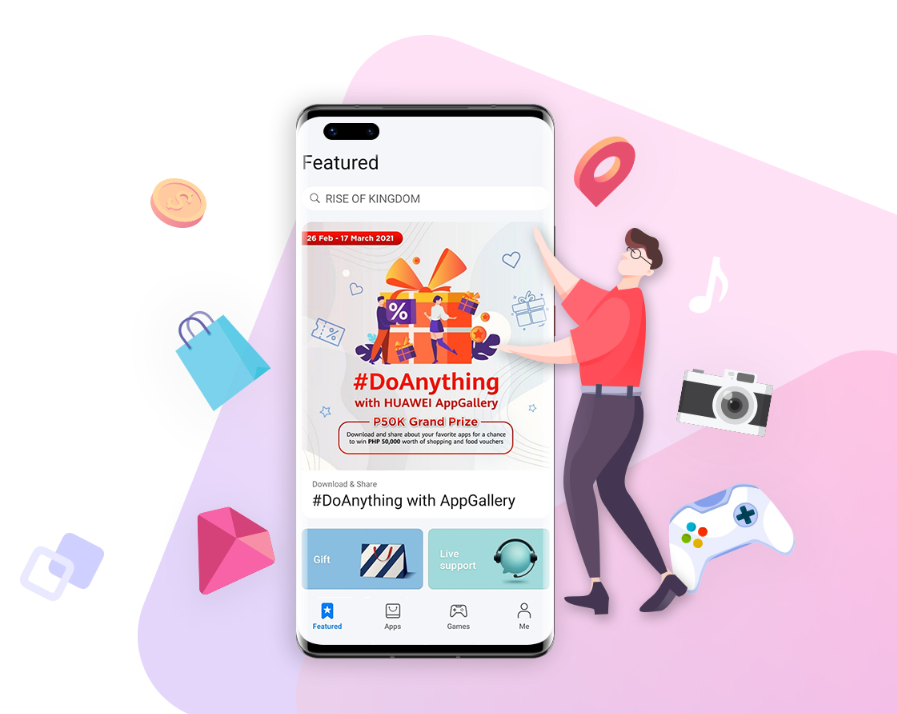
The company built a full alternative stack centered on AppGallery, its official app store.
AppGallery now covers a wide range of everyday categories, including shopping, banking, entertainment, messaging, and productivity.
Key parts of the setup include:
– AppGallery for app downloads and updates
– HMS Core for core mobile functions
– Petal Search for finding apps and trusted APK sources
– Huawei cloud tools for backup, sync, and device management
This is why many buyers researching the huawei google issue quickly realize that the phone is not “Google-free” in the way they first expected.
It is more accurate to say the experience has been redesigned.
For many users, that redesign works well enough for normal use.


How daily use still works
If your main habits are calling, texting, browsing, streaming, and using social apps, a Huawei phone can still feel familiar.
Many popular apps are available directly in AppGallery, while others work through the web version or through compatible third-party tools.
The most common ways people adapt are simple:
1. Use AppGallery first for local app access and updates.
2. Open web versions of Google services when an app is not essential.
3. Rely on tools such as GBox or MicroG for selected Google-dependent apps, when supported.
That last point is where expectations need to stay realistic.
Some apps run smoothly, while others only work partially or need extra setup.
Banking apps, fitness trackers, and games that depend heavily on Google Play Services can be the least predictable.
The huawei google issue usually shows up here: not in the basics, but in the edge cases.
Where the limits are most noticeable
The biggest friction usually appears when an app expects Google Play Services in the background.
That can affect:
– push notifications
– map-based features
– account login
– in-app purchases
– device verification
For many users, the workaround is still good enough.
For others, especially people who use one or two Google-first apps every day, the experience may feel less seamless than a standard Android phone.
That is why the huawei google issue continues to matter before purchase, not after.
If you want to compare notes with other users, the same huawei google issue often comes up in community threads about app compatibility and setup.
Quick FAQs
Q1: Which Huawei phones do not come with Google apps?
A: Most Huawei phones released after mid-2019 do not include Google Mobile Services by default.
Q2: Can I still use Google apps on Huawei phones?
A: Often yes, but the method varies.
Some services work well in a browser, while others may need third-party tools or may not behave exactly like they do on a Google-certified phone.
Q3: Is AppGallery enough for everyday use?
A: For many people, yes.
If your app list is mostly mainstream and local, AppGallery plus web access may be enough.
If your routine depends on niche Google-based apps, the setup may take more trial and error.